
AI Capture Lab logoAICaptureLab

Virtual photography use cases

One product.
More ways to show it.

Turn a product photo into imagery for your store, campaigns, retail planning, and content — without treating every channel as a separate photoshoot.

3 free shoots · no account needed · your product stays yours.

Three directions from the same studio pipeline — listing, luxury, campaign.

From stills to motion

Professional product feature videos

Use your virtual photography as input to render professional product feature videos — export stills from the studio, then bring them to life in your edit.

Example rendered downstream from studio stills — the studio produces still images, not video.

Where the images go

Eight ways to use your product imagery

Each use case shows real studio examples, where the assets fit in your workflow, and a direct path into the studio.

Cosmetic jar photographed against a clean white studio backgroundClean Ecommerce Jar · Clean White sceneE-commerce & product listingsClean, consistent imagery for product pages, catalogues, and marketplace listings — alternate backgrounds and lifestyle compositions without re-shooting. Goes to: Product pages and listing galleries.Create listing images →Beverage can against a bold terracotta color-block studio backgroundColor-Block Beverage Campaign · Hero Campaign sceneAdvertising & paid mediaProduct-focused hero images, seasonal concepts, and audience-specific variations for paid social, display, and promotional campaigns. Goes to: Campaign development and ad creative production.Create ad creative →Snack pouch with blank front panel on a white high-key studio sweepSnack Pack Studio Shot · Clean White sceneRetail displays & in-store conceptsVisualize point-of-sale displays, endcaps, countertop arrangements, and window concepts to align merchandising reviews before anything is built. Goes to: Merchandising reviews and display planning.Visualize a display →Glass fragrance bottle in a dark editorial settingLuxury Fragrance · Perfume Noir sceneVideo concepts & storyboardingStill product scenes that work as storyboard frames — plan shot sequences, close-ups, and cinematic directions before committing to a video shoot. Goes to: Creative briefs and video production workflows.Build a storyboard frame →Statement red coat in a full-bleed warm campaign studioFashion Campaign Hero · Hero Campaign sceneCampaign concepts & creative testingExplore seasonal directions, launch looks, and studio-versus-lifestyle treatments side by side — then bring the strongest direction to stakeholder review. Goes to: Campaign planning and stakeholder review.Explore campaign looks →Linen shirt draped over a chair in a sunlit bedroomGarment Lifestyle Setting · Linen Morning sceneSocial media & content marketingEditorial, lifestyle-led imagery for organic posts, inspiration boards, and content calendars — sized from the studio's supported aspect ratios. Goes to: Content calendars and social publishing workflows.Create social imagery →Matte coffee bag with blank label photographed for retail packagingCoffee Bag Packshot · Packaging Hero sceneLaunches & packaging conceptsPresent products in launch-ready settings, explore packaging presentations, and prepare visual references for campaign planning. Goes to: Launch planning and packaging review.Create launch imagery →Amber beverage bottle on a warm tabletop with natural ingredientsBeverage Bottle Tabletop · Tabletop Atelier sceneBrand & lifestyle imageryPlace products in believable contextual environments — home, food and beverage, beauty rituals — for brand sites, lookbooks, and storytelling. Goes to: Brand sites, lookbooks, and storytelling.Create lifestyle imagery →

What each use case looks like

The same four-step studio workflow, adapted to eight real applications — with honest notes on where extra work is still needed.

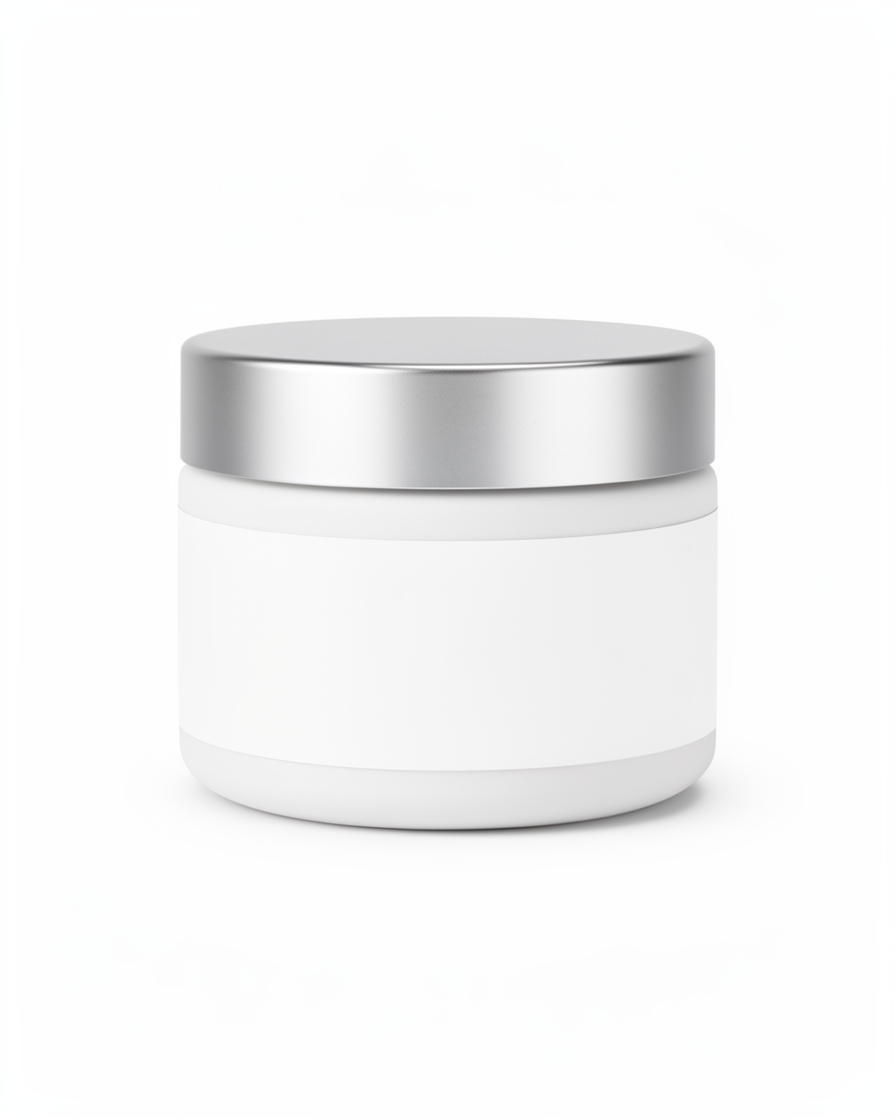
Cosmetic jar photographed against a clean white studio background

Clean Ecommerce Jar · Clean White scene

Clean White scene

E-commerce & product listings

Clean, consistent imagery for product pages, catalogues, and marketplace listings — alternate backgrounds and lifestyle compositions without re-shooting.

Good for

  • Product detail pages
  • Marketplace listings
  • Listing gallery variations
  • Consistent presentation across ranges

Where it goes: Product pages and listing galleries.

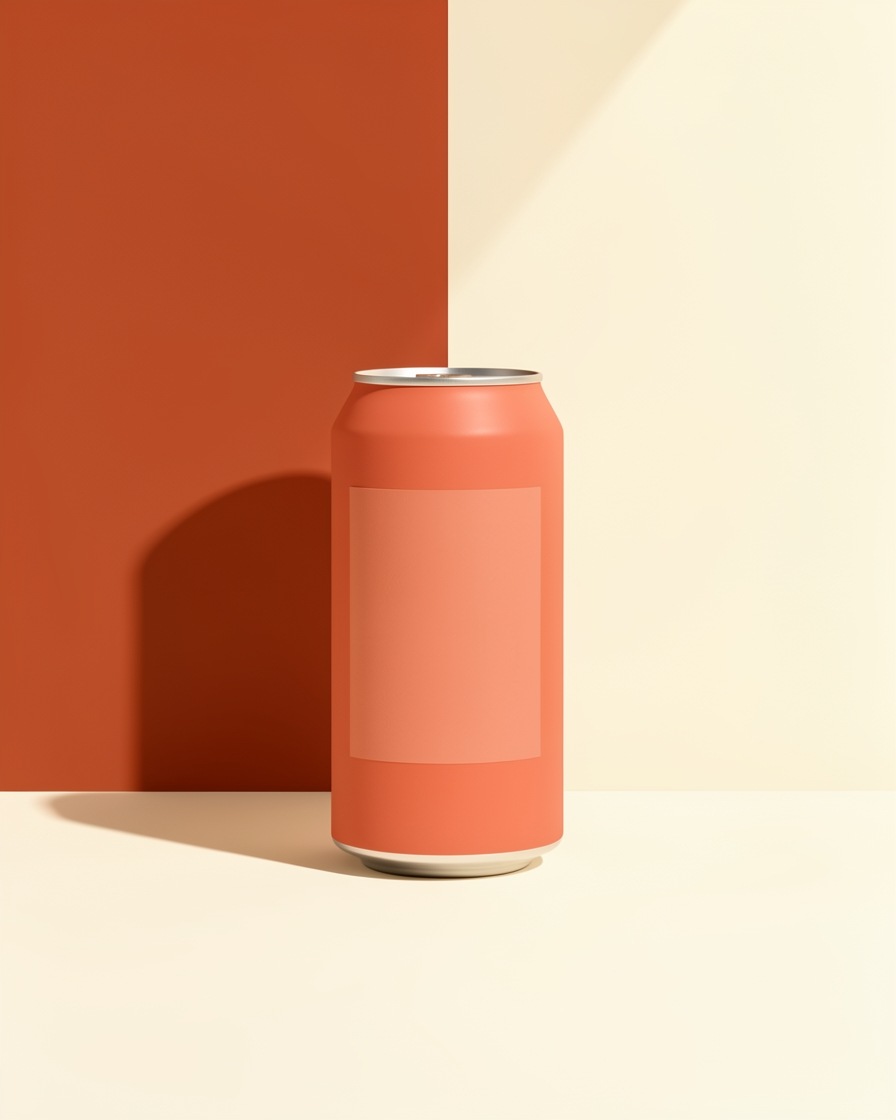
Beverage can against a bold terracotta color-block studio background

Color-Block Beverage Campaign · Hero Campaign scene

Hero Campaign scene

Advertising & paid media

Product-focused hero images, seasonal concepts, and audience-specific variations for paid social, display, and promotional campaigns.

Good for

  • Paid social creative
  • Display advertising
  • Seasonal campaign concepts
  • Product-focused hero images

Where it goes: Campaign development and ad creative production.

Review each platform's current image specs before publishing — formats are a starting point, not a compliance guarantee.

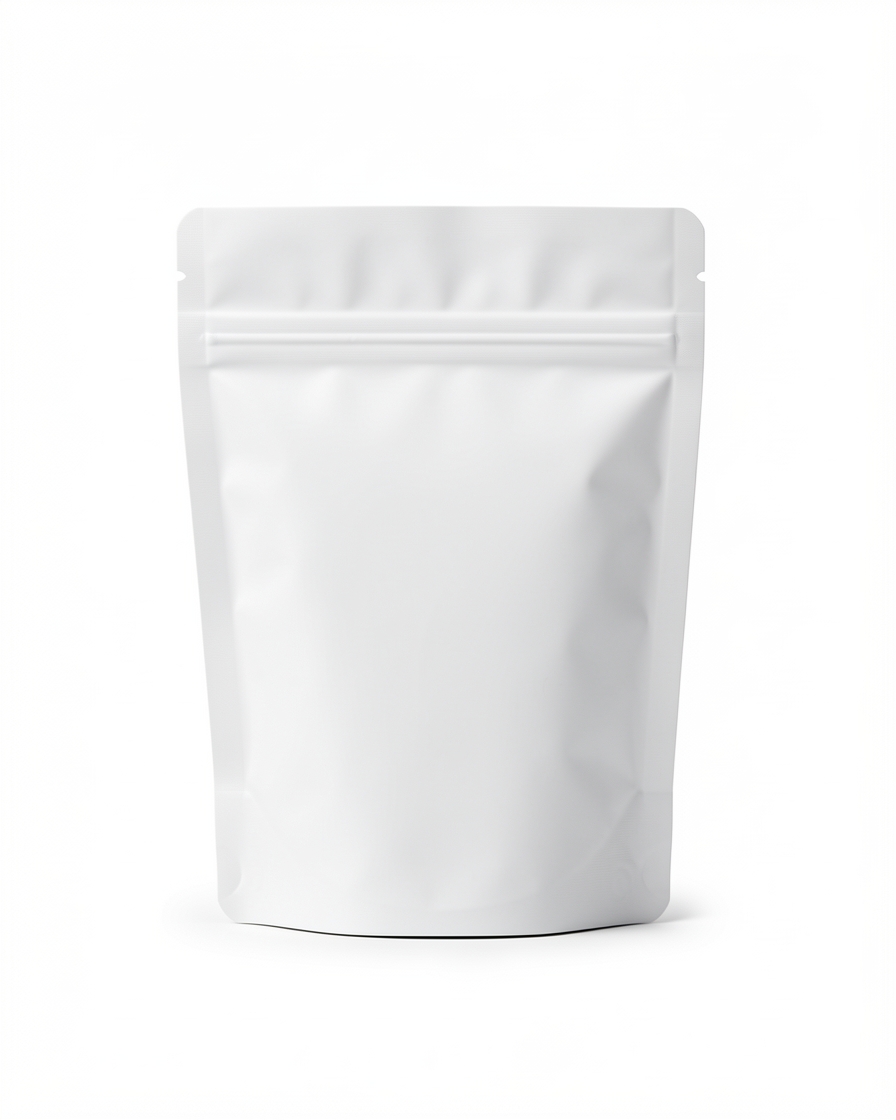
Snack pouch with blank front panel on a white high-key studio sweep

Snack Pack Studio Shot · Clean White scene

Clean White scene

Retail displays & in-store concepts

Visualize point-of-sale displays, endcaps, countertop arrangements, and window concepts to align merchandising reviews before anything is built.

Good for

  • Point-of-sale display concepts
  • Countertop and endcap mockups
  • Window display directions
  • Shelf and signage visualization

Where it goes: Merchandising reviews and display planning.

These are conceptual mockups for planning and review — not print-production artwork. Confirm dimensions, bleed, and color with your print vendor.

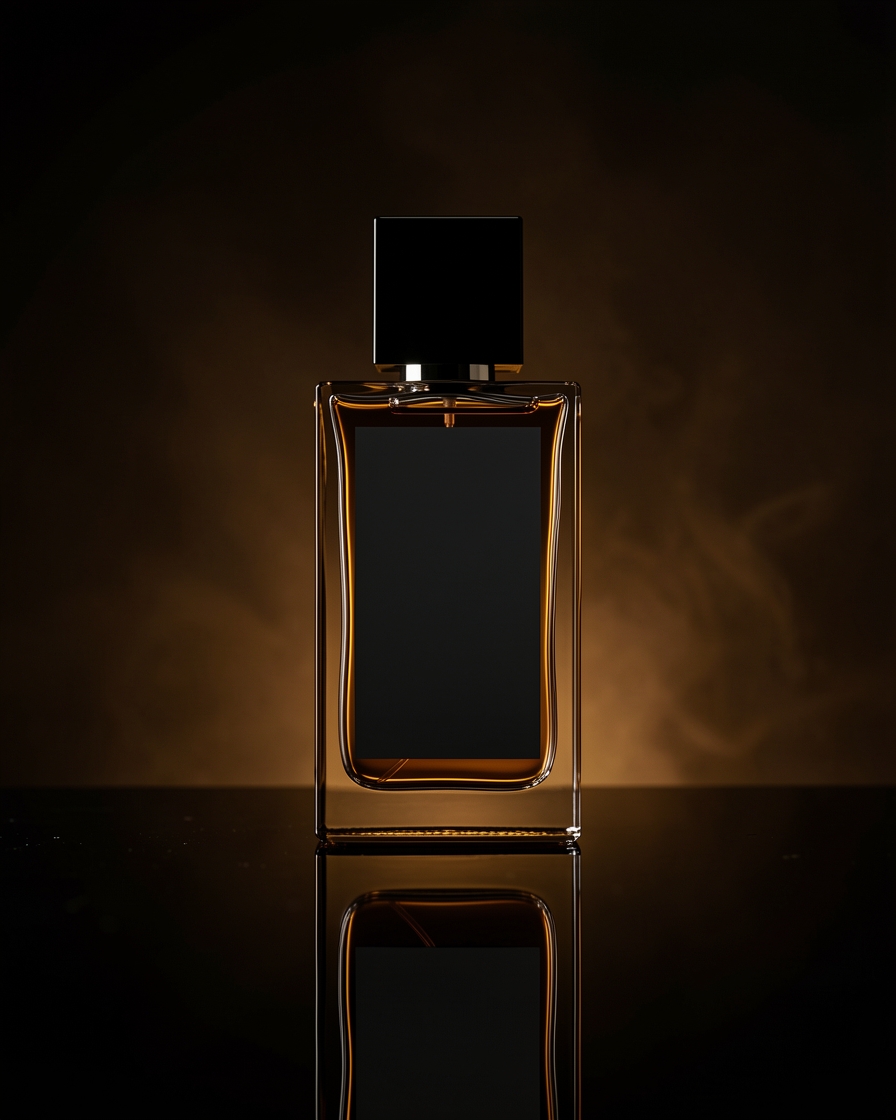
Glass fragrance bottle in a dark editorial setting

Luxury Fragrance · Perfume Noir scene

Perfume Noir scene

Video concepts & storyboarding

Still product scenes that work as storyboard frames — plan shot sequences, close-ups, and cinematic directions before committing to a video shoot.

Good for

  • Campaign storyboards
  • Shot-sequence planning
  • Close-up and detail references
  • Image references for video teams

Where it goes: Creative briefs and video production workflows.

Stills provide visual references for planning — AICaptureLab does not generate video. Motion, timing, and sound are defined in your video workflow.

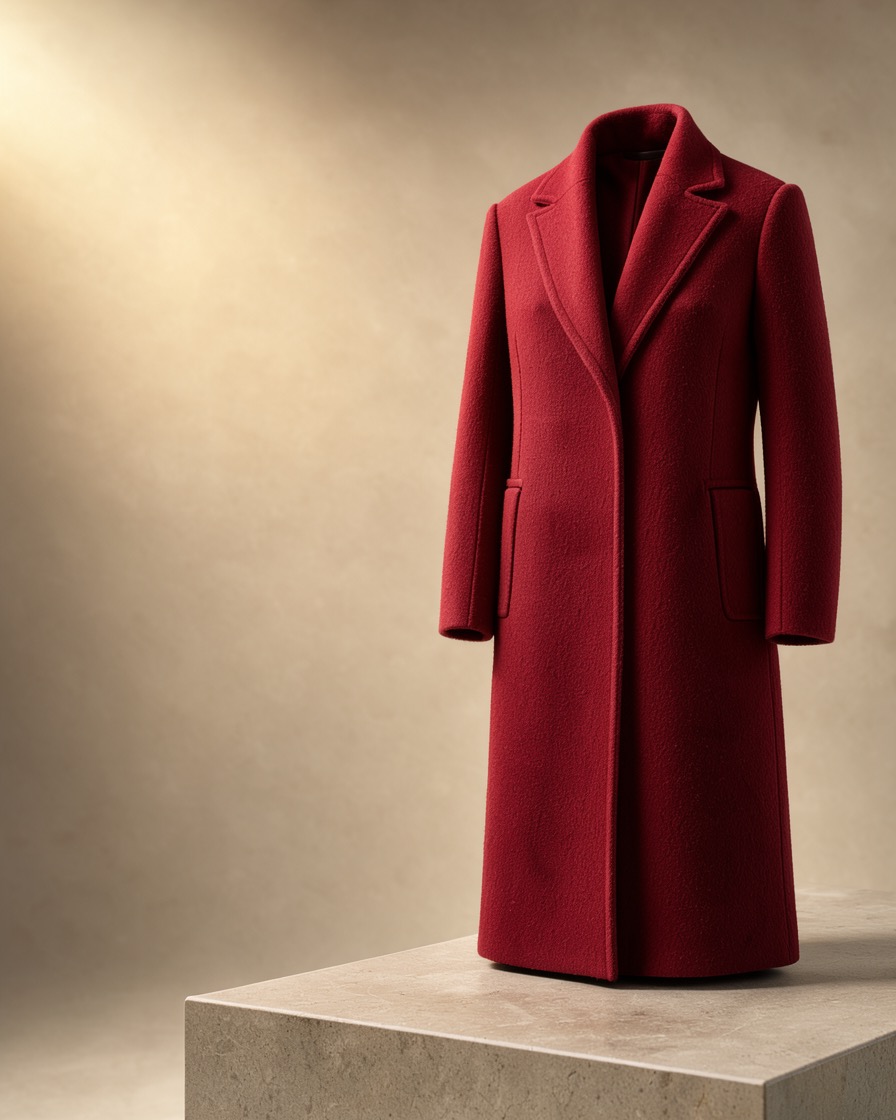
Statement red coat in a full-bleed warm campaign studio

Fashion Campaign Hero · Hero Campaign scene

Hero Campaign scene

Campaign concepts & creative testing

Explore seasonal directions, launch looks, and studio-versus-lifestyle treatments side by side — then bring the strongest direction to stakeholder review.

Good for

  • Seasonal campaign directions
  • Product launch looks
  • Studio vs. lifestyle treatments
  • Review-ready creative options

Where it goes: Campaign planning and stakeholder review.

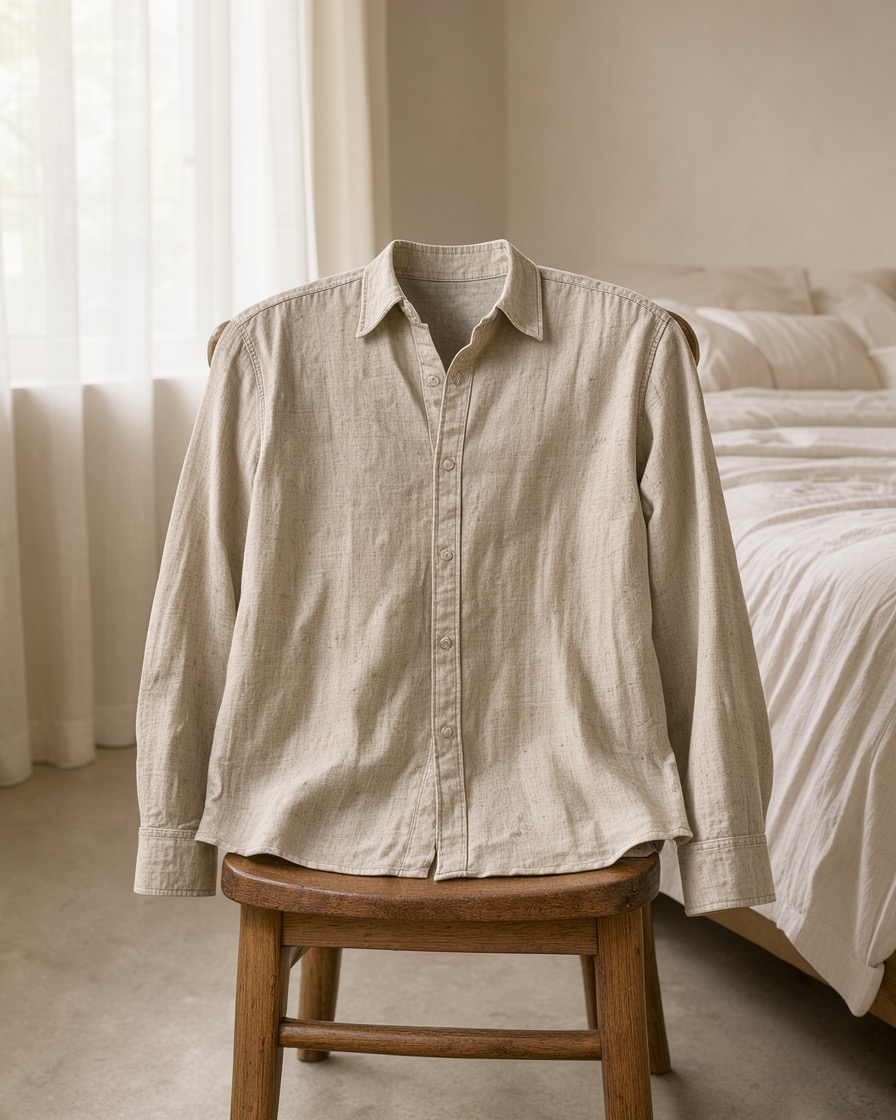
Linen shirt draped over a chair in a sunlit bedroom

Garment Lifestyle Setting · Linen Morning scene

Linen Morning scene

Social media & content marketing

Editorial, lifestyle-led imagery for organic posts, inspiration boards, and content calendars — sized from the studio's supported aspect ratios.

Good for

  • Organic social posts
  • Editorial product imagery
  • Pinterest-style inspiration
  • Content calendar assets

Where it goes: Content calendars and social publishing workflows.

Check each network's current image specs and safe areas before scheduling — the studio exports standard ratios, not platform-certified templates.

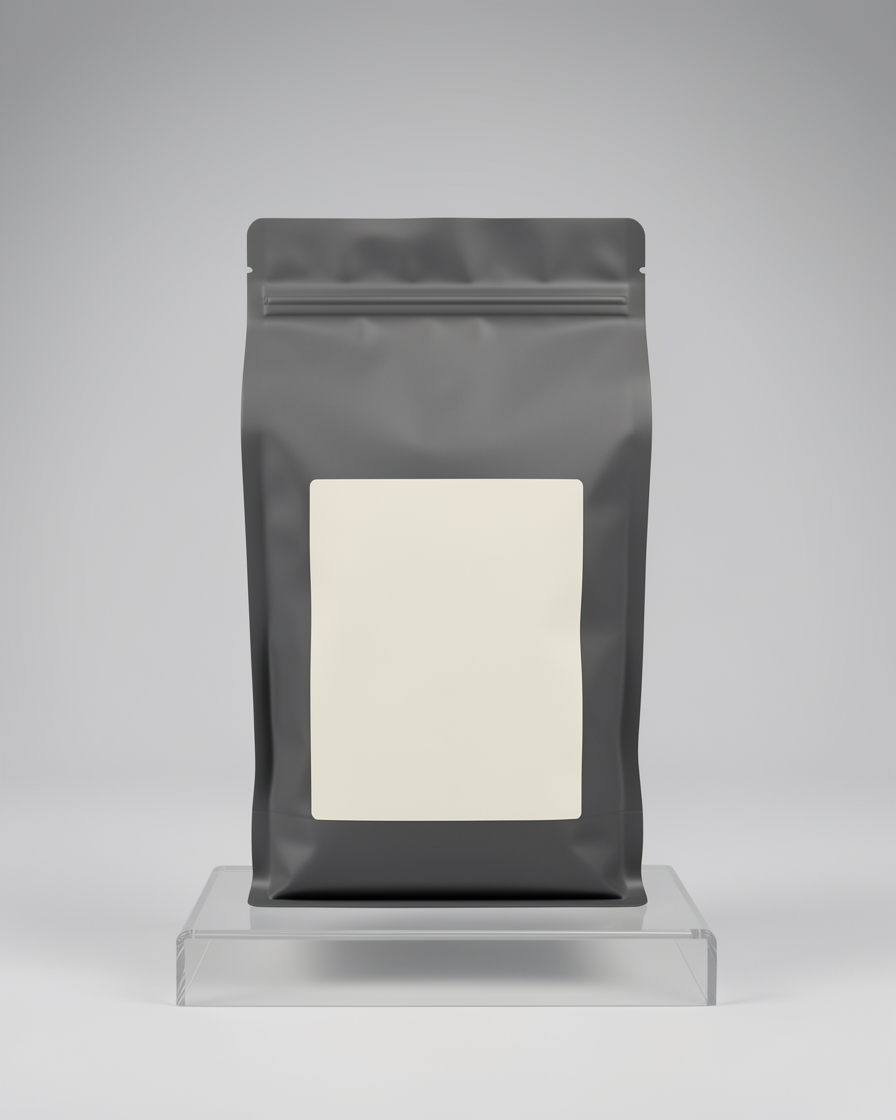
Matte coffee bag with blank label photographed for retail packaging

Coffee Bag Packshot · Packaging Hero scene

Packaging Hero scene

Launches & packaging concepts

Present products in launch-ready settings, explore packaging presentations, and prepare visual references for campaign planning.

Good for

  • Launch hero imagery
  • Packaging presentations
  • Product setting explorations
  • Campaign planning references

Where it goes: Launch planning and packaging review.

Concepts illustrate presentation ideas — they are not finalized packaging, dielines, or legally approved claims. Keep regulatory copy review in your existing process.

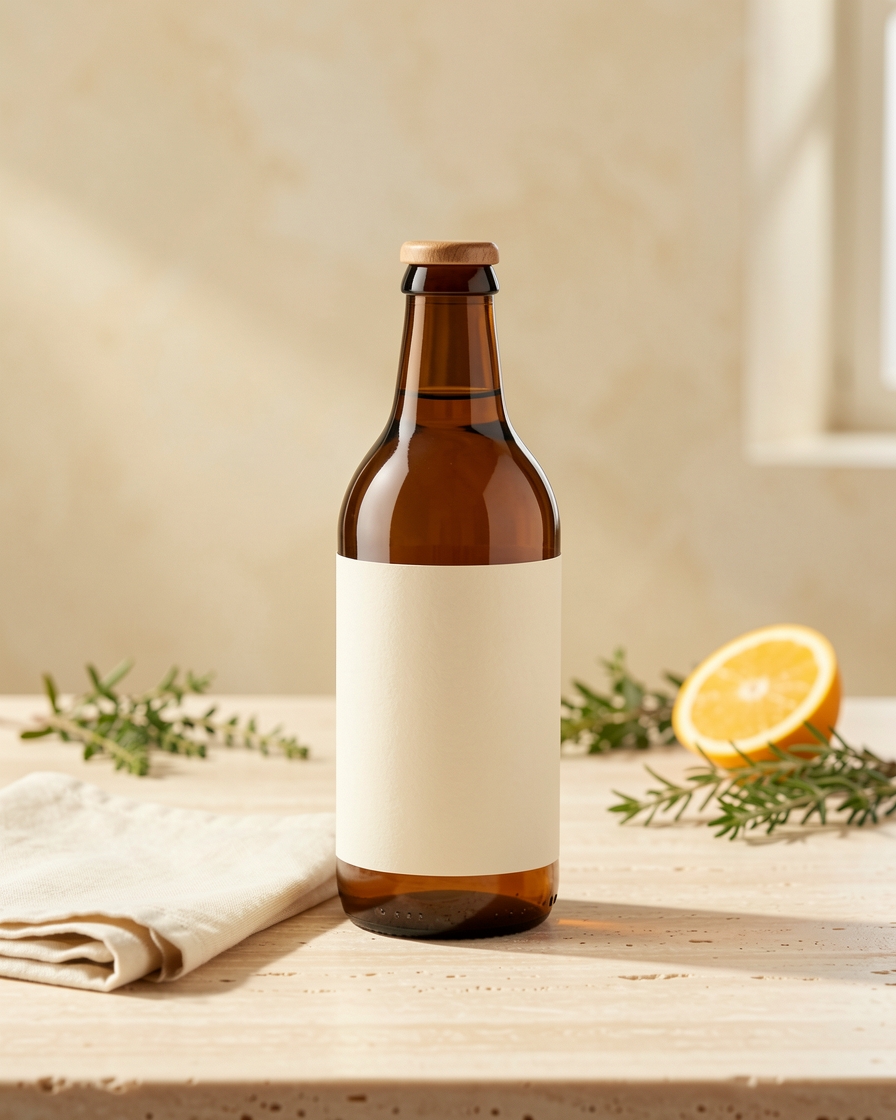
Amber beverage bottle on a warm tabletop with natural ingredients

Beverage Bottle Tabletop · Tabletop Atelier scene

Tabletop Atelier scene

Brand & lifestyle imagery

Place products in believable contextual environments — home, food and beverage, beauty rituals — for brand sites, lookbooks, and storytelling.

Good for

  • Contextual brand scenes
  • Home and interior settings
  • Food and beverage stories
  • Beauty and ritual settings

Where it goes: Brand sites, lookbooks, and storytelling.

How it works

From product photo to finished asset

One workflow feeds every use case above. No new tools to learn, no integrations to configure.

  1. Start with a product image

    Upload a product photo — JPG, PNG, or WebP. The background is handled automatically.

  2. Choose a creative direction

    Pick one of 36 art-directed scenes, matched to the use case: clean listings, campaign heroes, lifestyle settings.

  3. Generate and refine

    Create shots across angles and formats, then compare results on the studio canvas.

  4. Export and use

    Download the final image and place it in your store, campaign, review deck, or content calendar.

Practical guidance

Get more from every generation

Short, technical advice that applies across all eight use cases.

Check likeness before publishing

Your product leads every shot — shape, label, and materials stay as close as current AI allows. Always verify small text and logos before commercial use.

Clean background for listings, lifestyle for stories

Use high-key seamless scenes for marketplaces and PDPs where legibility converts; save contextual scenes for brand pages, social, and campaigns.

Plan variations, not one-offs

For advertising, generate a studio hero, a lifestyle version, and a seasonal concept from the same product so tests compare creative — not products.

Mind aspect ratio and safe areas

Choose the studio's supported ratios with the placement in mind, and keep key product detail clear of platform overlays and cropping.

Sequence stills into storyboards

Order wide, medium, and close-up scenes to read as a shot list. Number each frame and note the intended motion for your video team.

Review concepts with stakeholders early

Retail and packaging concepts are for alignment before production — confirm print specs, dielines, and legal copy through your existing vendors.

Questions

Frequently asked questions

Do I need a photoshoot to start?
No. Upload an existing product photo, pick an art-directed scene, and generate. The studio handles backgrounds, lighting direction, and composition — no prompting required.
Can I use the images commercially?
Yes — images you generate are yours to use across your store, ads, and campaigns. Always verify product likeness, small text, and logos before publishing, as with any production asset.
Does AICaptureLab generate video or print-ready files?
No. The studio produces still images: visual references for video storyboards and conceptual mockups for retail planning. Motion, timing, sound, and print-production specs are handled in your existing video and print workflows.
Which product categories work best?
Beauty, food and beverage, fashion, jewelry, home goods, and consumer tech are the strongest fits across the 36-scene catalog. If your product photographs clearly, it will likely generate clearly.

One product. Start with your first image.

Upload a product photo, pick a direction, and generate imagery for every channel above — from the same studio.

3 free shoots · no account needed