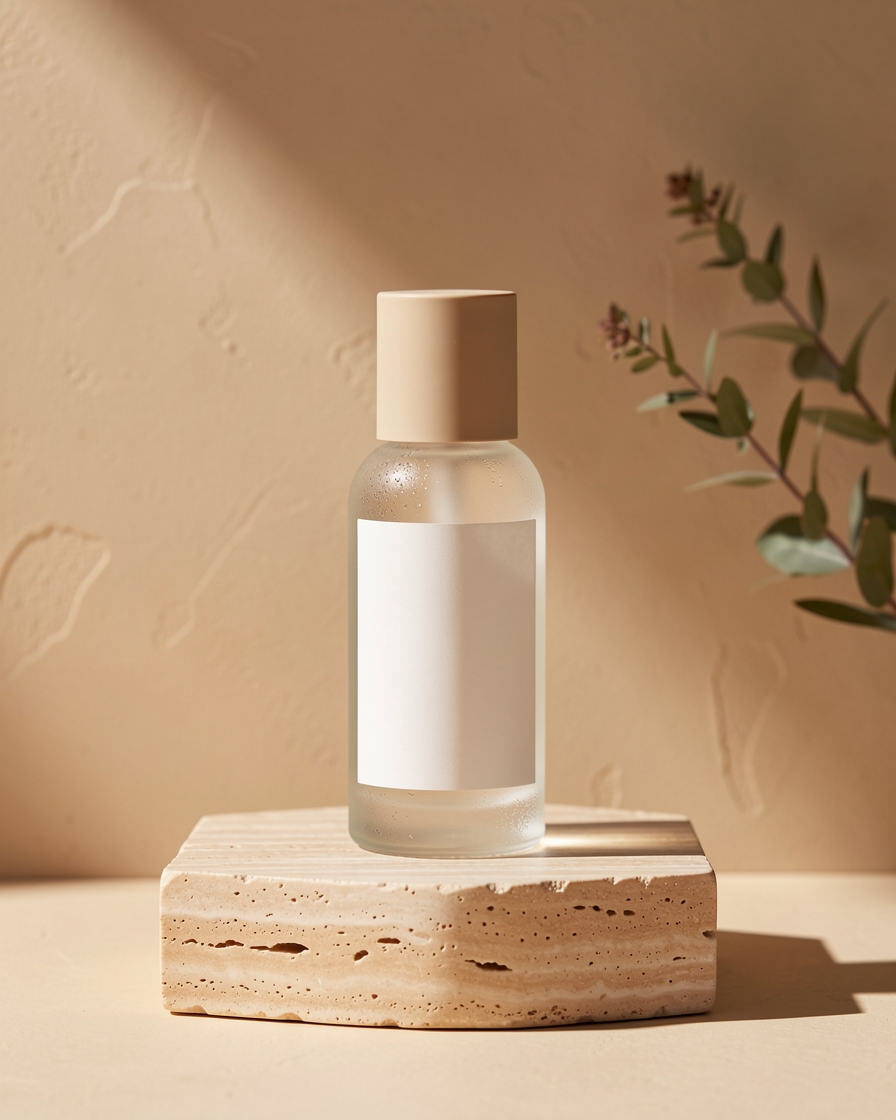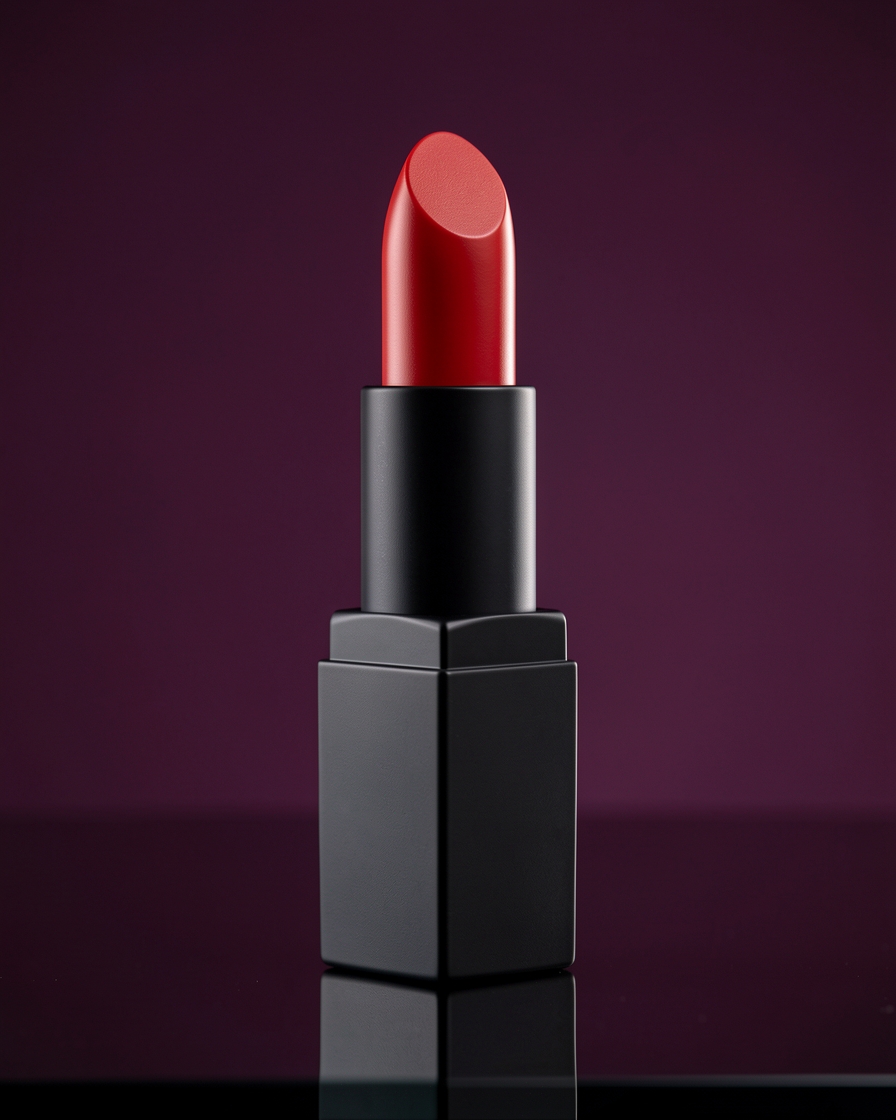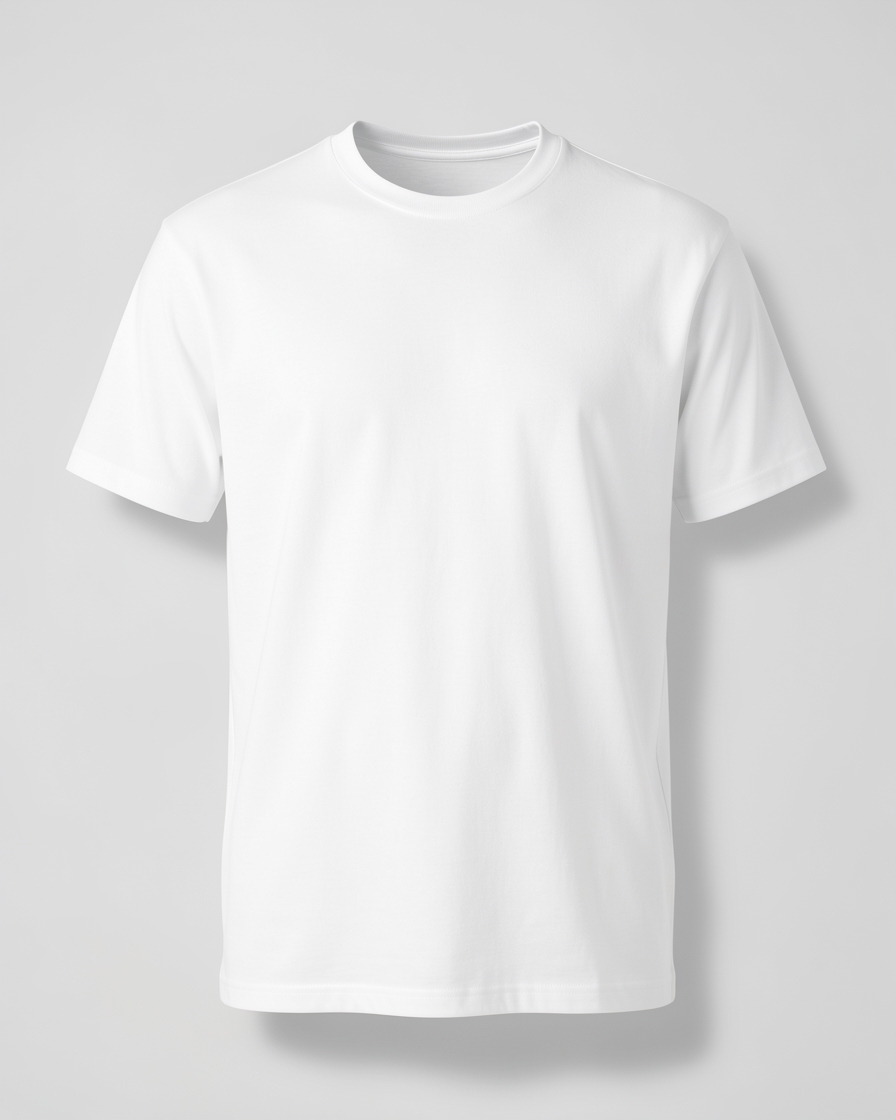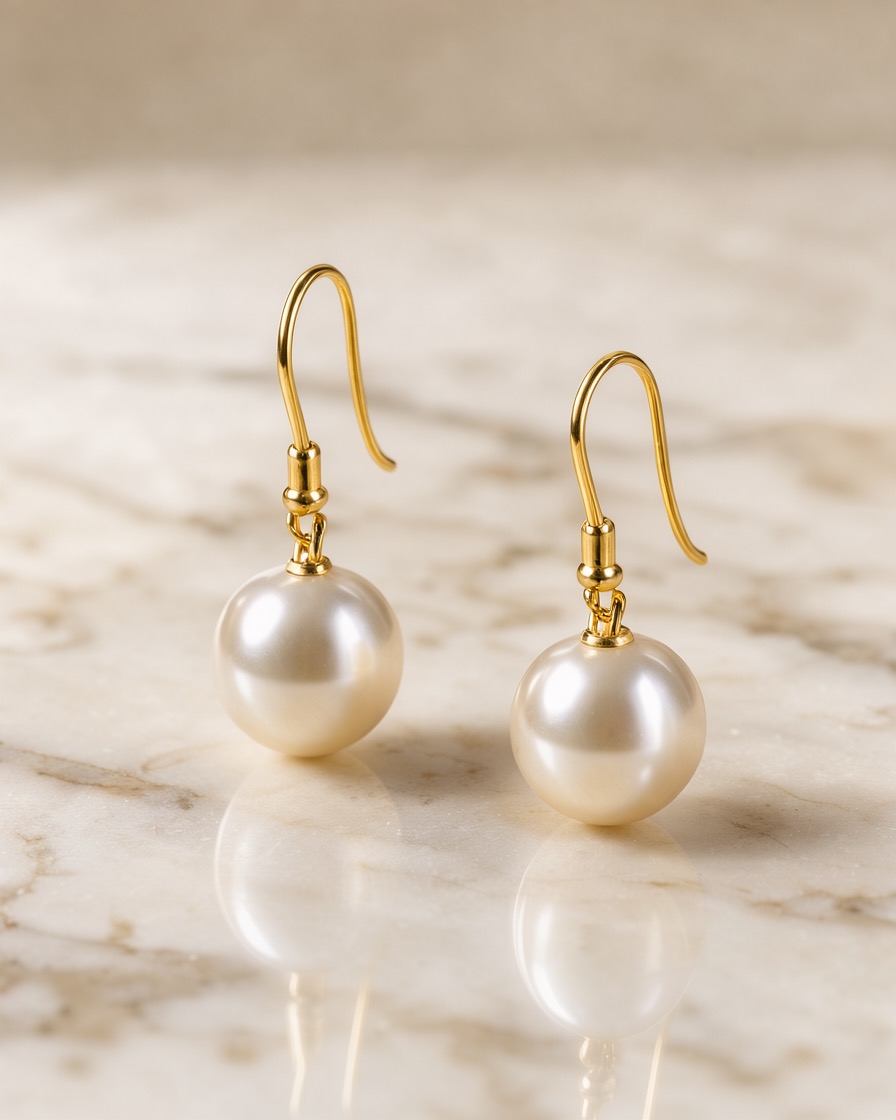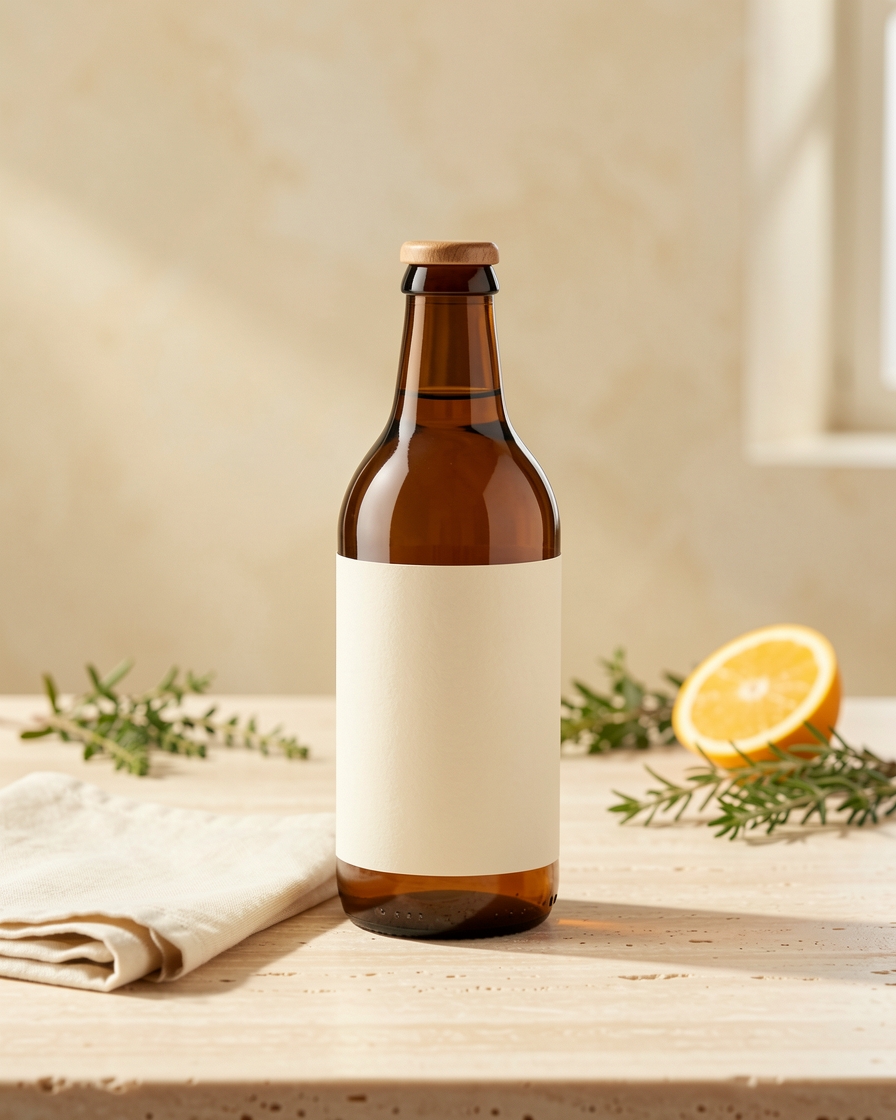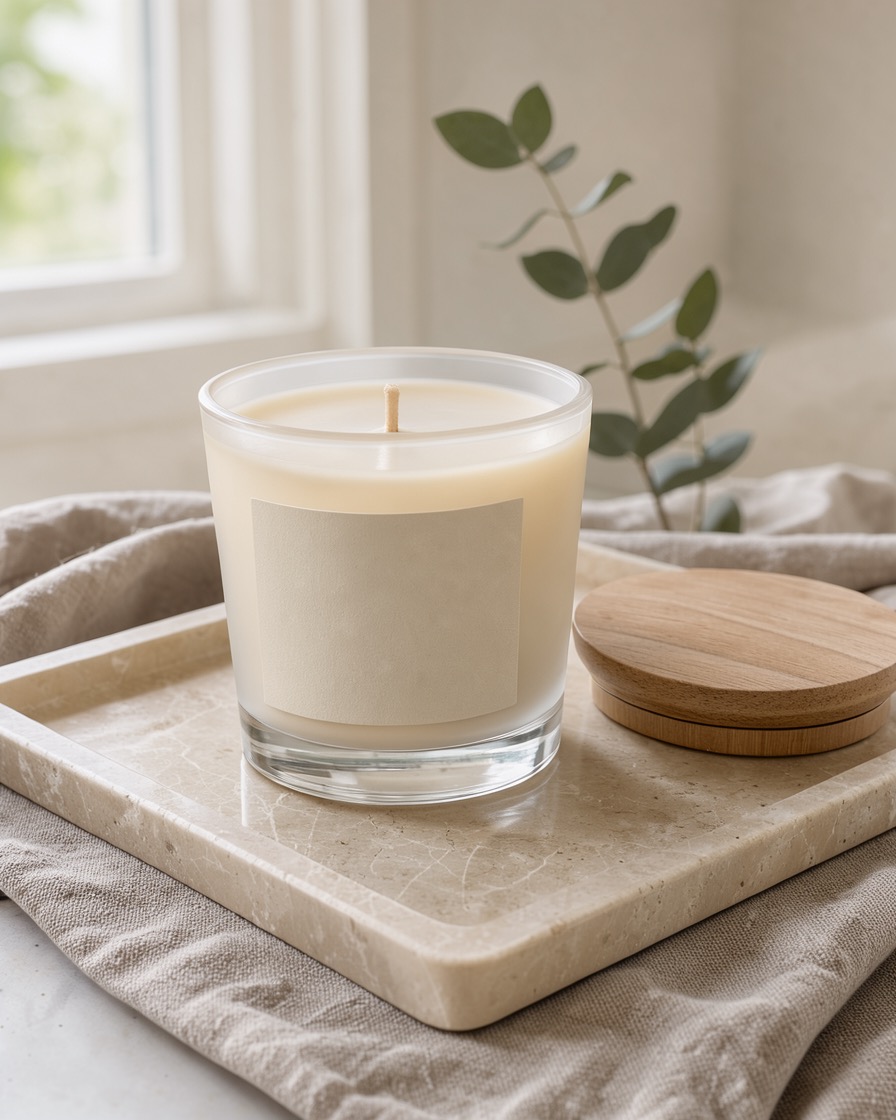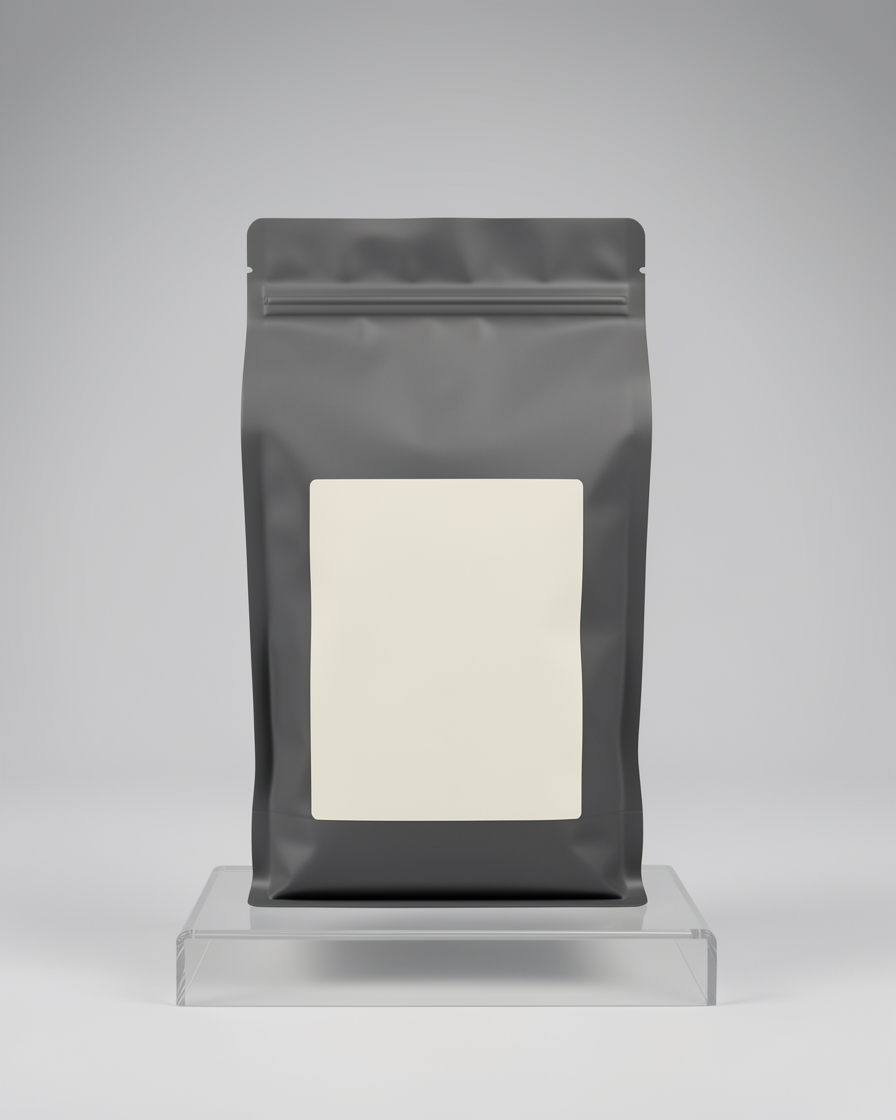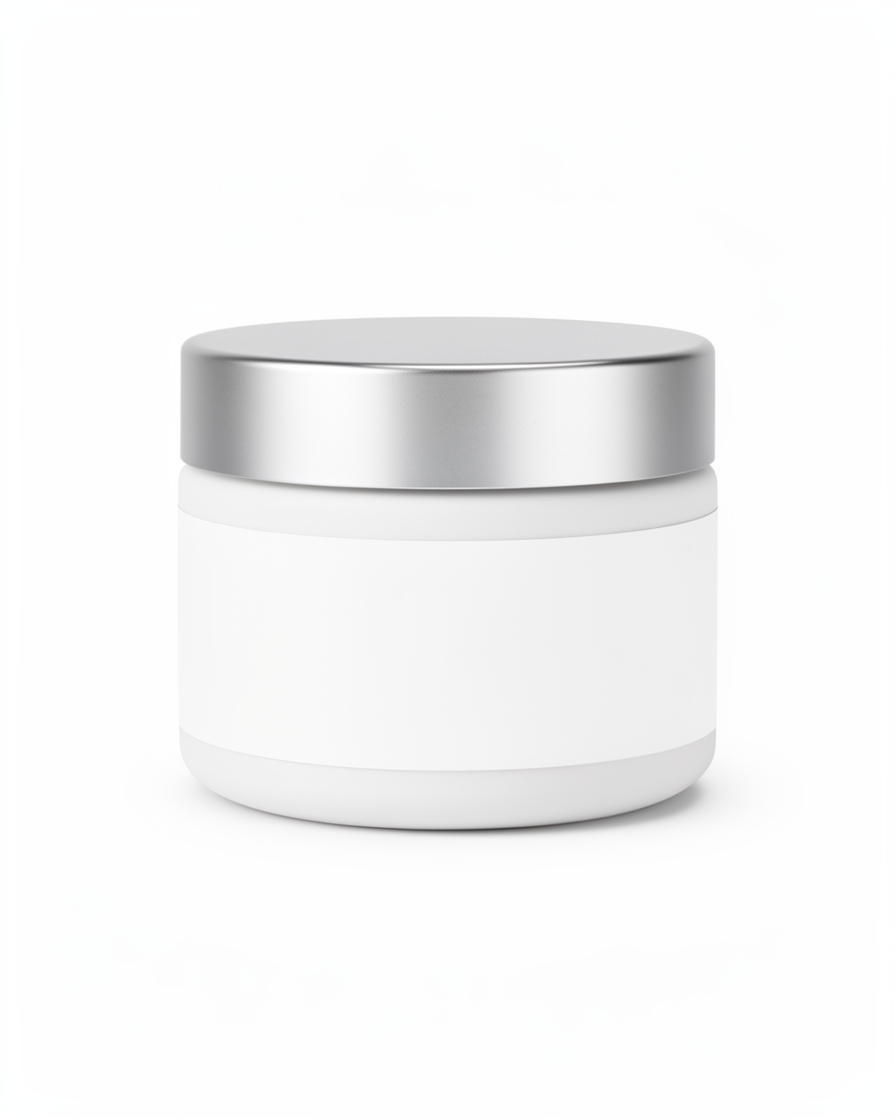
Clean ecommerce product photos
Clean backgrounds, controlled lighting, and clear product presentation for online listings and product detail pages.
Best for: Marketplace listings · catalog images · product pages
Try the Clean White scene → AICaptureLabEcommerce
AI product photography for online sellers
Turn ordinary product photos into professional-looking ecommerce imagery. Create clean product listings, lifestyle photography, and campaign visuals for Amazon, Etsy, eBay, Shopify, Alibaba, and your own online store.
3 free shoots · No account required to try · No prompting required
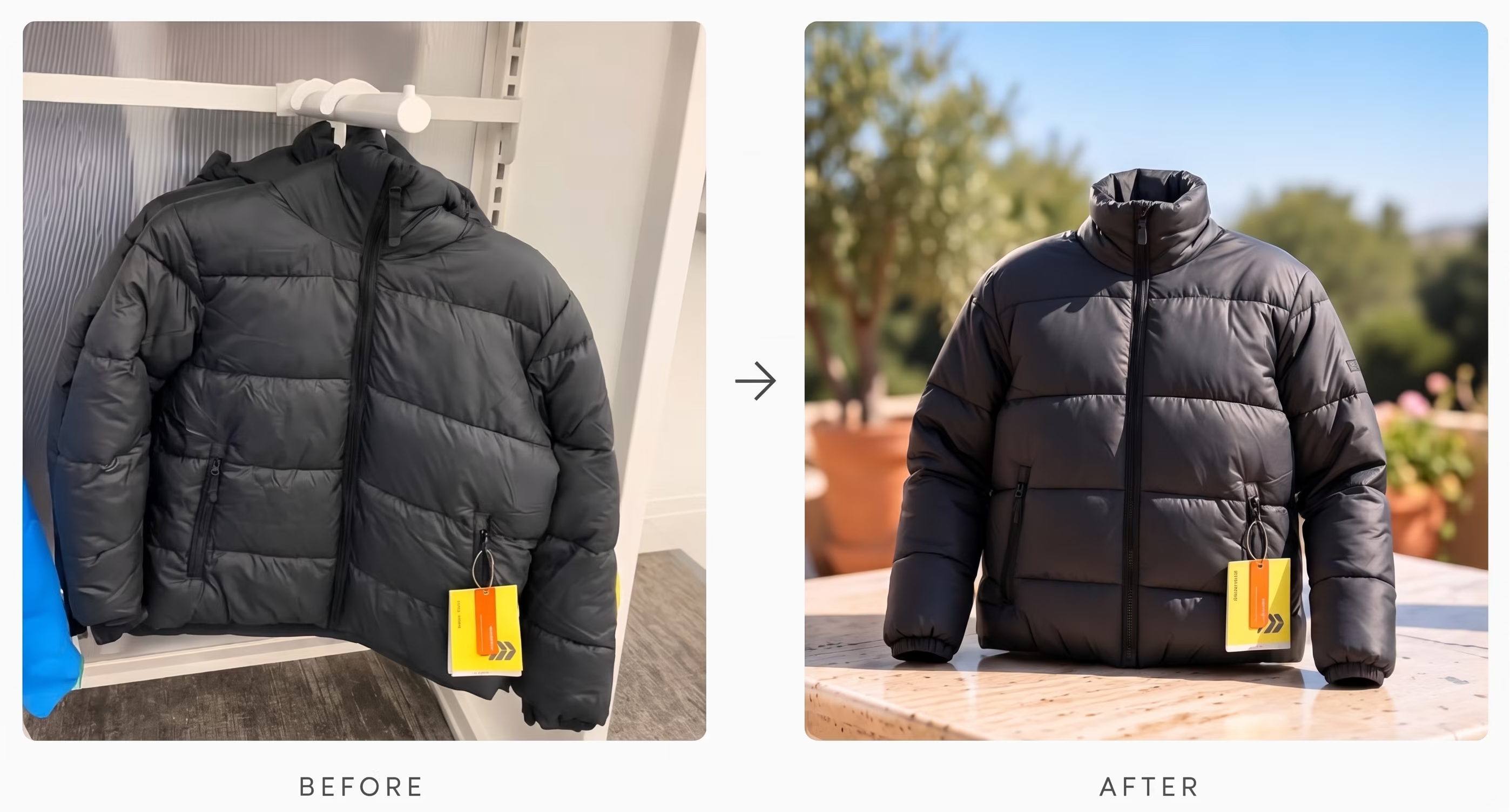
Create consistent product imagery for the places your customers shop.
Whether you sell through a major marketplace or run your own ecommerce store, create product imagery that fits your brand and your customers. Platform names are shown for relevance only — this page does not imply any partnership, integration, or endorsement. Want the full specifications? Get the free marketplace photography guide.
The transformation
You don't need an expensive photoshoot to improve how your products look online. Start with the photo you already have — finished examples from the studio below show the range.
Finished studio examples across listing, lifestyle, premium, and campaign looks. Each opens with the scene that made it — try the look with your own product.
Styles
Create different photography styles from the same product photo — no separate photoshoot for every image.
Clean backgrounds, controlled lighting, and clear product presentation for online listings and product detail pages.
Best for: Marketplace listings · catalog images · product pages
Try the Clean White scene →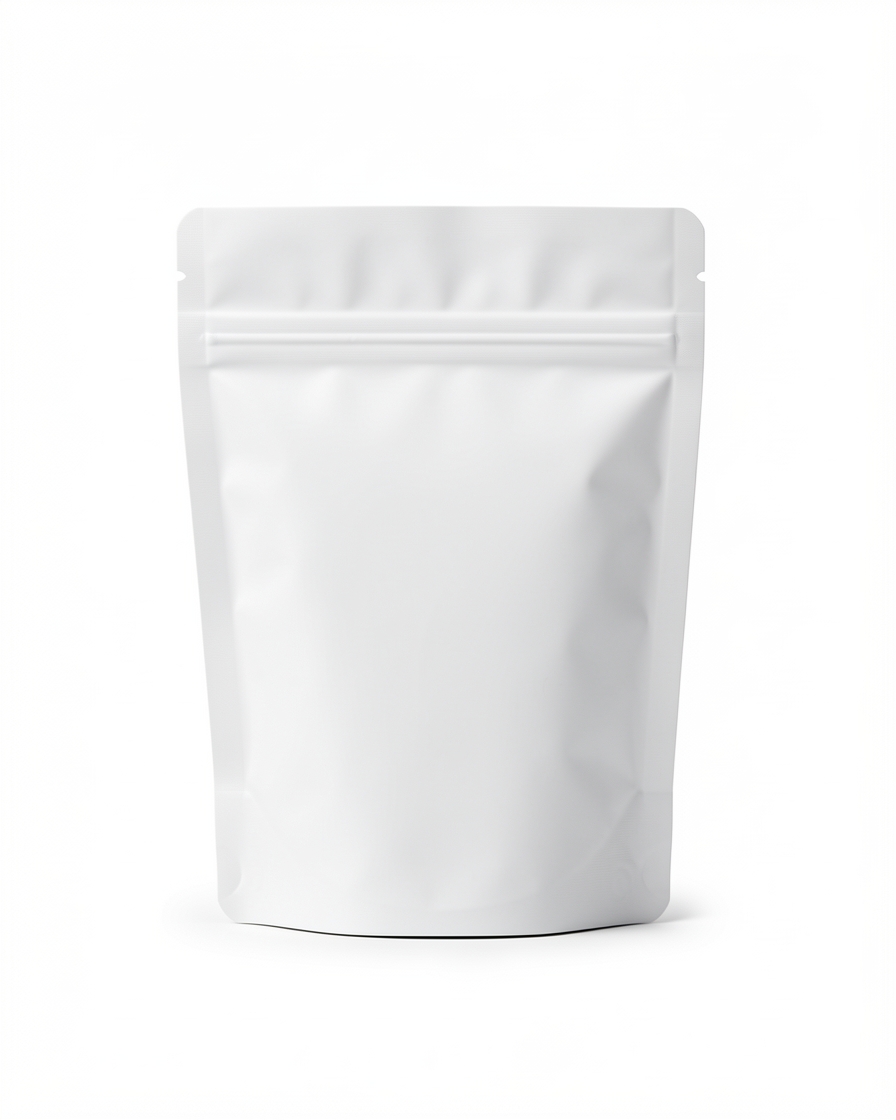
Distraction-free images that put the product first — a strong starting point for marketplace main-image concepts.
Best for: Main-image concepts · catalogs · storefronts
Try the Marketplace Plus scene →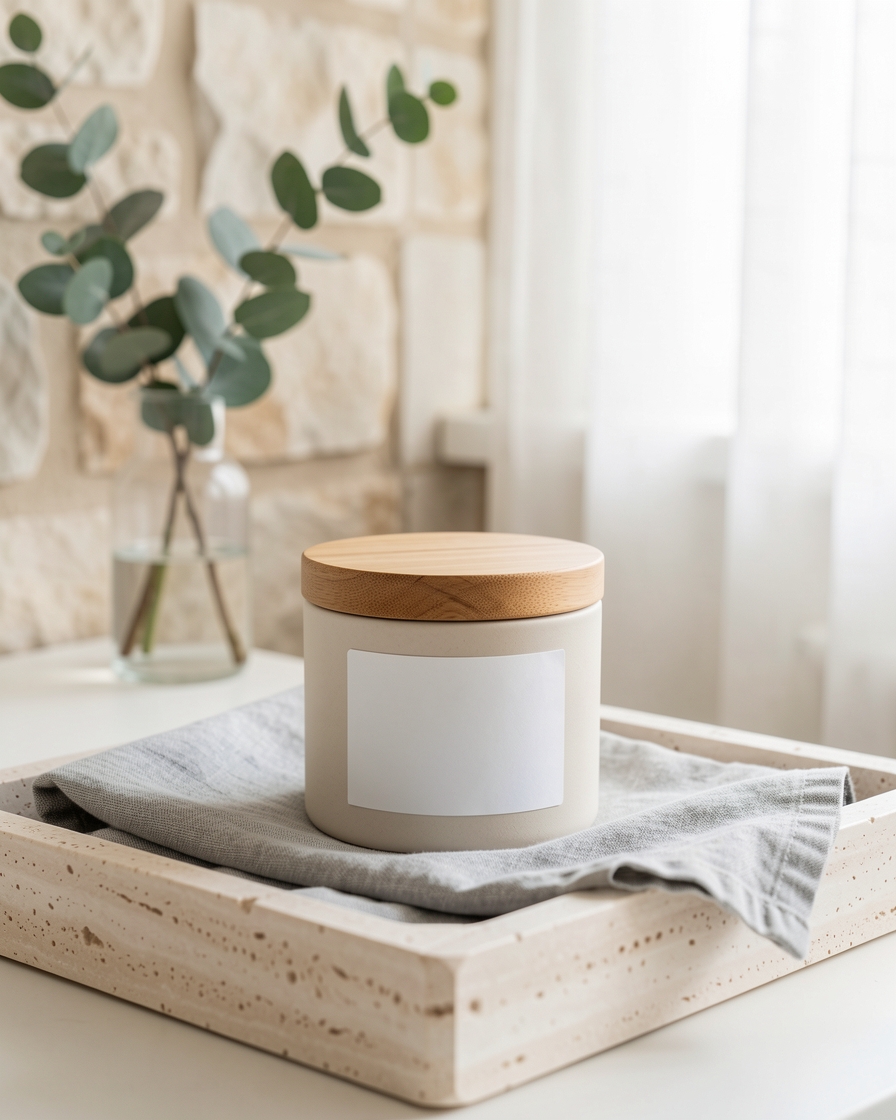
Natural, believable environments that help customers picture how a product fits into everyday life.
Best for: Shopify stores · Etsy listings · brand websites
Try the Linen Morning scene →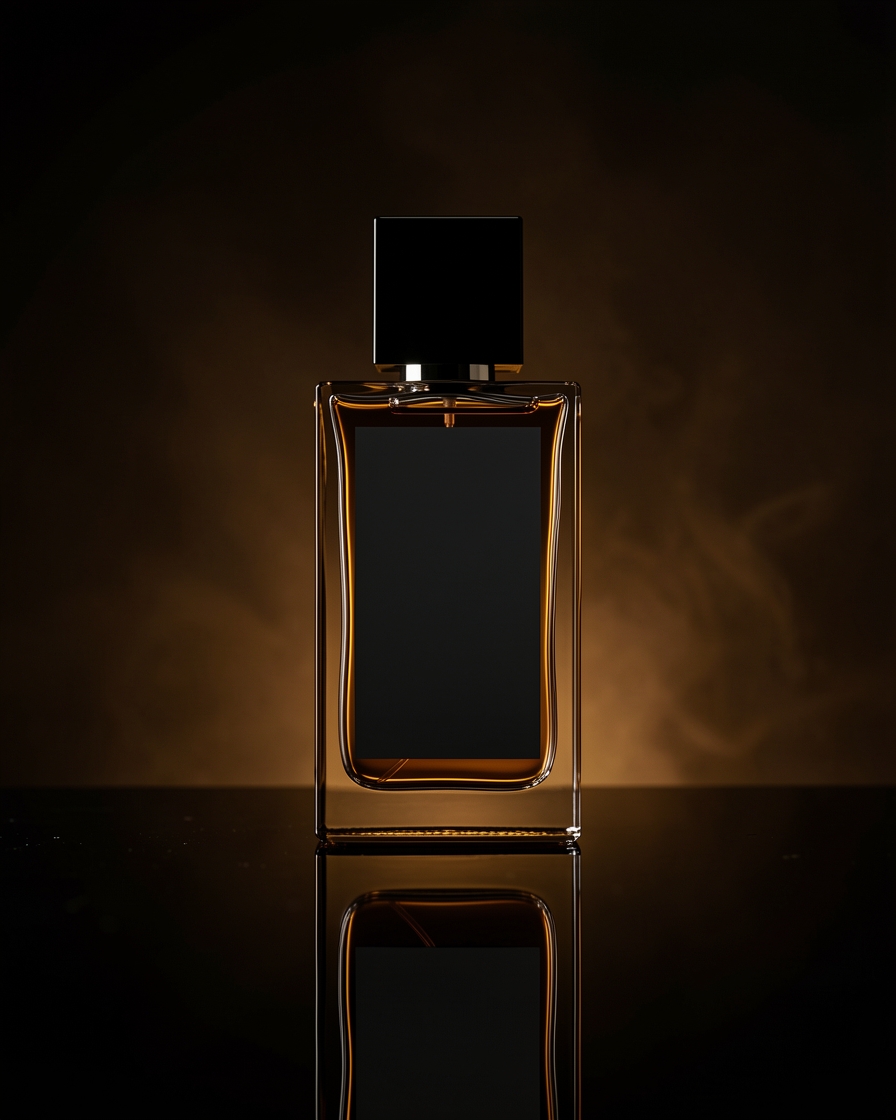
Art-directed backgrounds, lighting, and composition that give everyday products an elevated presentation.
Best for: Beauty · skincare · jewelry · fragrance
Try the Perfume Noir scene →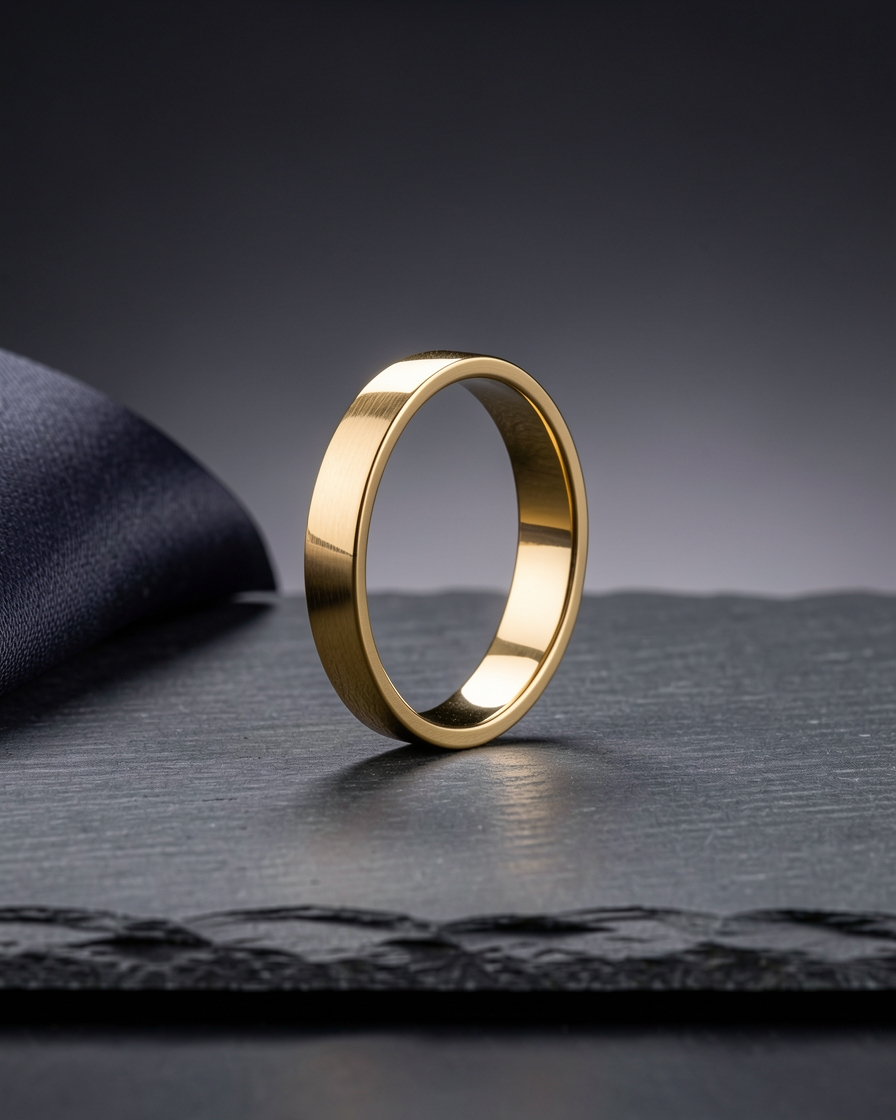
Close-up compositions and alternate views that round out a listing gallery and product story.
Best for: Detail pages · listing galleries · storytelling
Try the Jewelry Macro scene →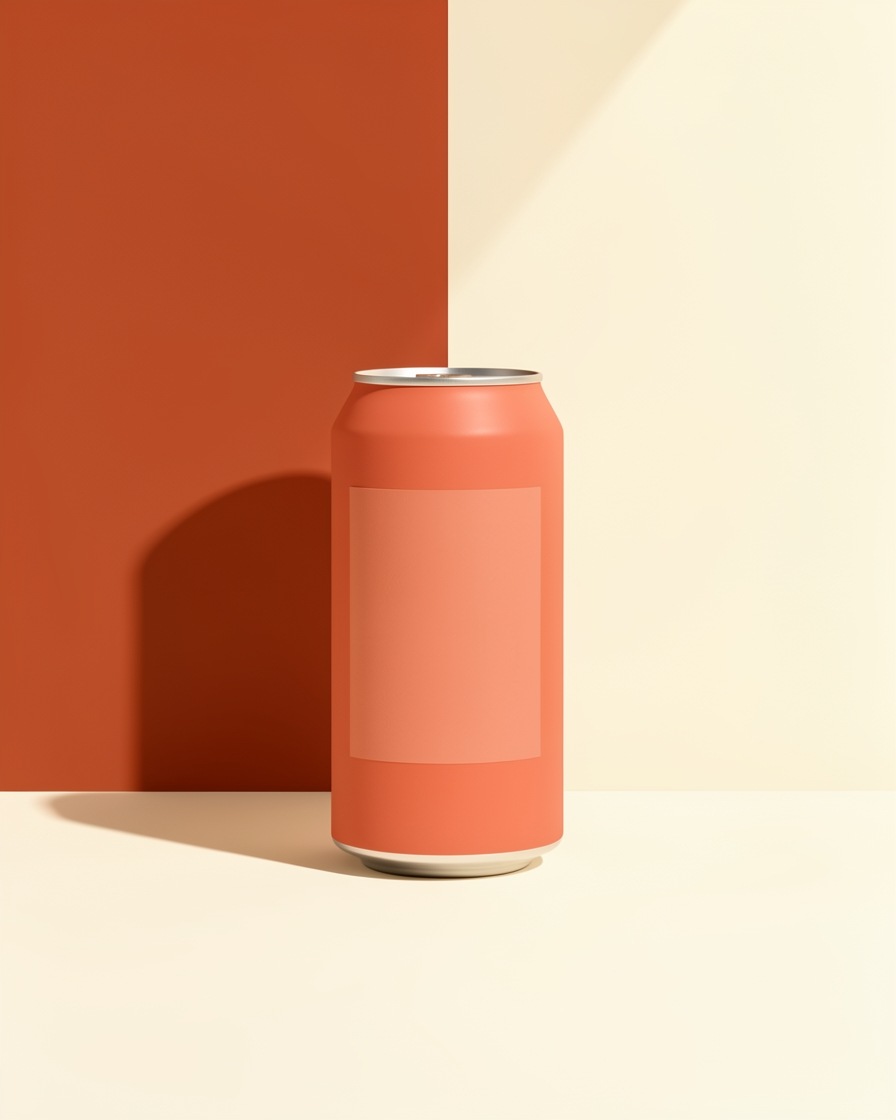
Campaign-style visuals for promotions, seasonal pushes, and marketing creative.
Best for: Paid social · launches · promotions
Try the Hero Campaign scene →Marketplace image rules change by category and placement — always verify the current requirements for your listing before publishing.
Platforms
Each selling channel needs something slightly different. Start from the scene that fits, then make it yours.
Amazon
Create clear, professional-looking product images for Amazon listings — clean imagery for the main slot plus lifestyle compositions for the rest of the gallery.
Etsy
Give handmade products, jewelry, gifts, and accessories a polished presentation, with lifestyle scenes that communicate craftsmanship and style.
eBay
Improve presentation with clean, consistent images — a practical way to keep resale inventory and varied catalogs looking coherent.
Shopify
Build a consistent visual identity across your storefront — product images, lifestyle compositions, and campaign visuals that make product pages feel professional.
Alibaba
Present products with consistent, professional-looking imagery for B2B catalogs, product ranges, and marketing materials.
Independent stores
Whether you run a WooCommerce store, a direct-to-consumer brand, or an independent shop, create product visuals without the overhead of a traditional photoshoot.
Categories
From everyday consumer products to premium merchandise — real studio examples, one per category.
How it works
01
Start with a photo from your smartphone or computer. JPG, PNG, and WebP are supported.
02
Choose from 36 art-directed photography scenes — clean studio backgrounds, lifestyle settings, and campaign looks.
03
Create your product imagery, review the results, and download the finished images for your ecommerce workflow.
No complicated prompts. No editing expertise required. Just upload, choose, and create.
Why AI Capture Lab
Skip the studio booking, photographer coordination, and physical production setup for the looks you can create from an existing product photo.
Explore multiple photography styles and scenes from the same source product image.
Build a more cohesive visual direction across your product catalog.
Try new backgrounds, lifestyle settings, and campaign concepts without organizing another photoshoot.
Choose from curated scenes instead of learning to write complex image-generation prompts.
Start with one product. Create a larger image set when you need it.
Photo packages
Start with one image or create a complete collection for your listing, store, and campaigns. Same packages, same credits, same studio.
Prefer to start free? Your first 3 shoots need no account — open the Studio and create your first image.
Comparison
Not every shoot can be replaced — but for ecommerce imagery, the practical alternative looks like this.
Questions
Yes. You can create clean product imagery and additional lifestyle compositions for Amazon listing workflows. Always check Amazon's current image requirements for your category and intended image placement before publishing.
Yes. Images you generate can be used across your ecommerce listings and marketing materials. Review each marketplace's current policies and image specifications before publishing.
Yes. Create clean product photography, lifestyle images, and campaign visuals for your Shopify product pages, collections, and storefront marketing.
No. You can start with a smartphone photo or an existing product image. A clear, well-lit source photo generally provides a better starting point.
Upload your product image, select one of the available art-directed scenes, and generate your image. The Studio handles the photography direction without requiring you to write prompts.
AI Capture Lab is designed to keep your uploaded product central to the result. However, AI-generated images can introduce differences in shape, materials, labels, small text, and logos. Always review the finished image carefully before using it commercially.
Yes. You can use different scenes and creative directions to create additional images from your product photo.
Yes. Images you generate are yours to use across your store, advertisements, and campaigns, subject to the Terms of Service and applicable laws. Review the final image and ensure that you have the necessary rights to your source materials.
AI Capture Lab uses credits. Standard product photos currently cost 25 credits per image and Premium renders cost 100 credits. The Studio shows the exact cost before you proceed — see the Pricing page for available packs.
No. You can start with 3 free guest shoots without creating an account. Creating a free account provides 25 credits.
The Studio creates still product imagery, which you can use in your own video-production workflows. It does not generate finished product videos.
Beauty, skincare, food and beverage, fashion, jewelry, home goods, fragrance, and consumer products are strong fits for the existing scene catalog.
Not ready to commit? Start with 25 free credits.
No credit card required. Test 3 free shoots instantly in our AI studio.
Upload your product. Choose your look. Create professional-looking ecommerce imagery without the traditional photoshoot. See the styles
3 free shoots · No account required to try · No prompting required